HOW IT WORKS
Built around the way you play.


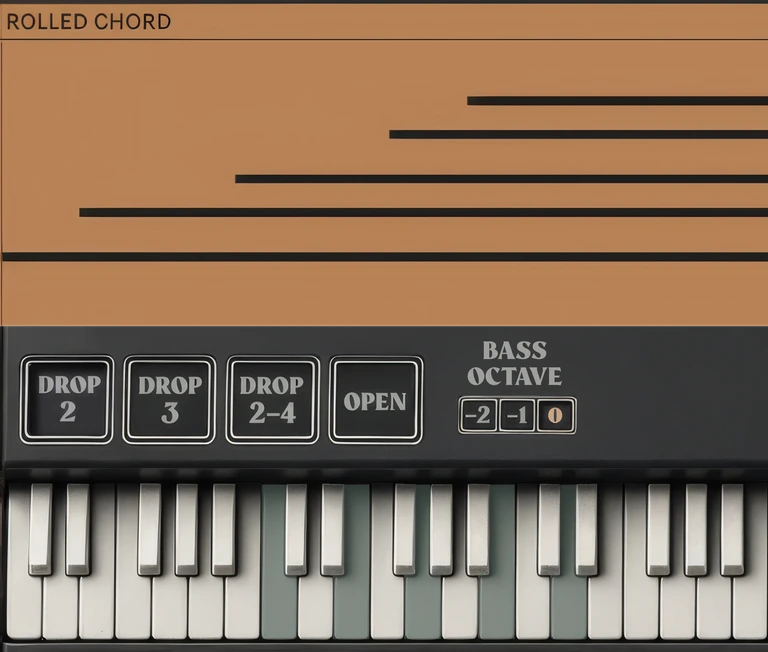
Roll notes one at a time.
Their pitches stay exactly as played.

Grace Notes Stay Connected
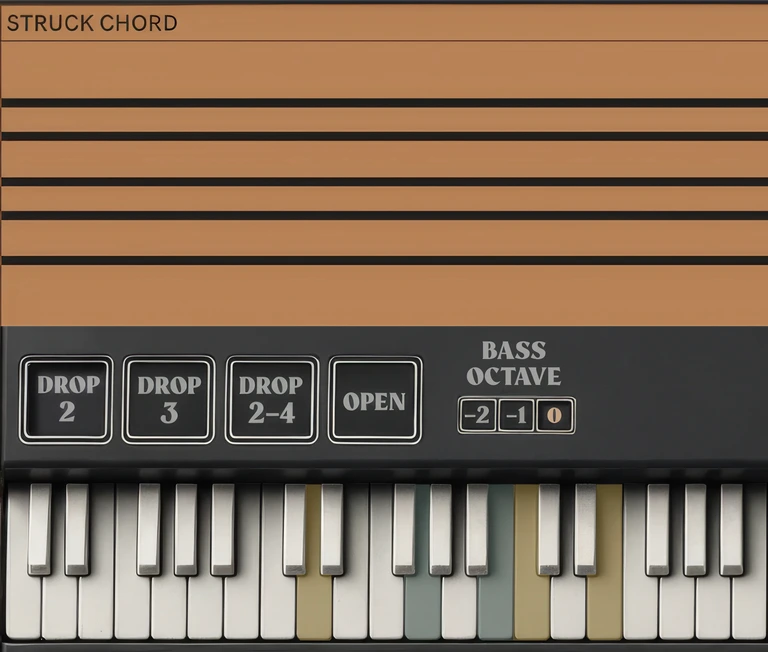
Keep at least one note from that chord held. Nearby follow-up notes use the same inversion and voicing.


Adaptive
Chord Processing
Reshape chords in real time
without changing how you play them.
Play live or remix existing MIDI files with either system, separately or together.
SYNC Sequencer
Sequence chord and bass notes
independently to tempo-synced
patterns.


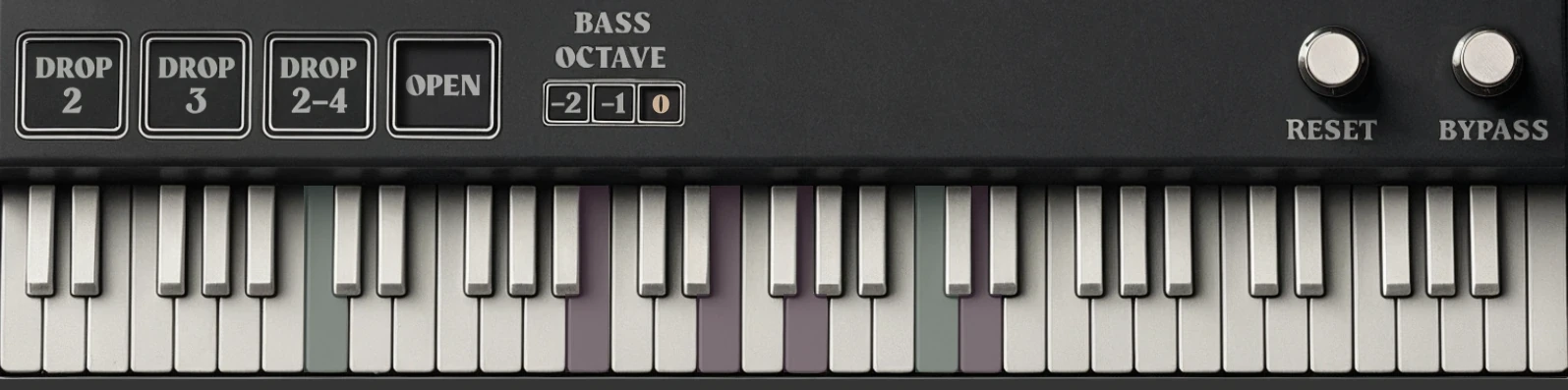
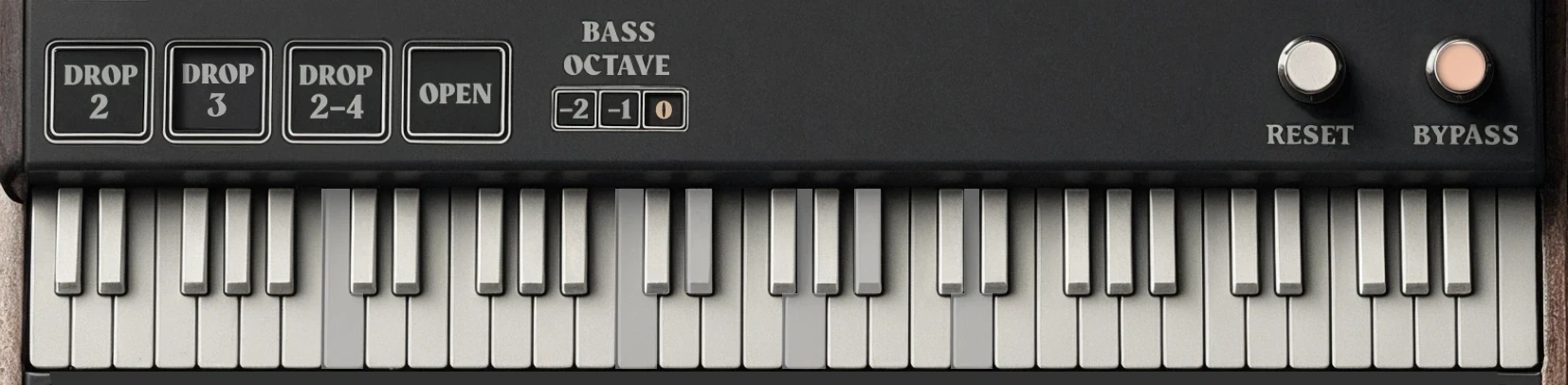
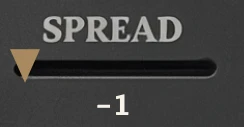
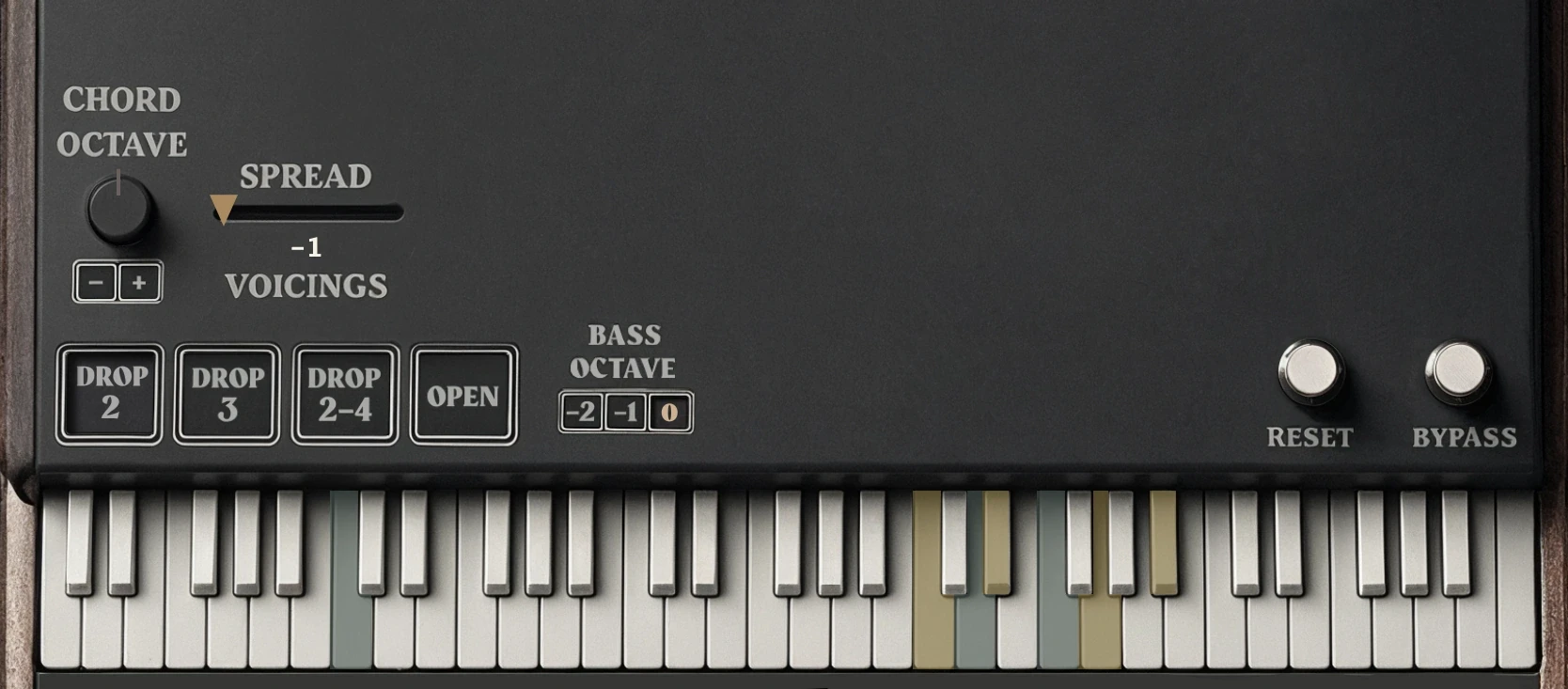
Four voicing presets
Voicings rearrange the spacing and order of notes within a chord.
Drop 2
Lowers the 2nd highest chord note by one octave.
Drop 3
Lowers the 3rd highest chord note by one octave.
Drop 2-4
Lowers the 2nd and 4th highest notes by one octave.
Open
Lowers the highest and 4th highest notes by one octave.


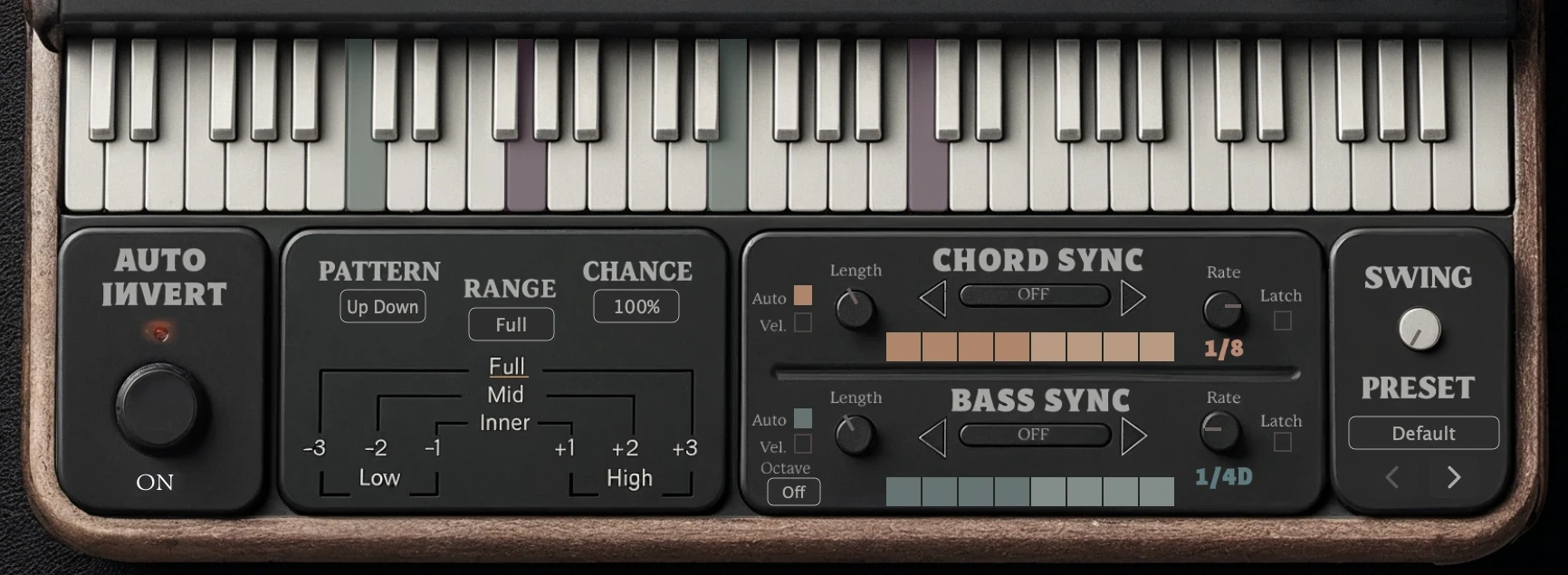


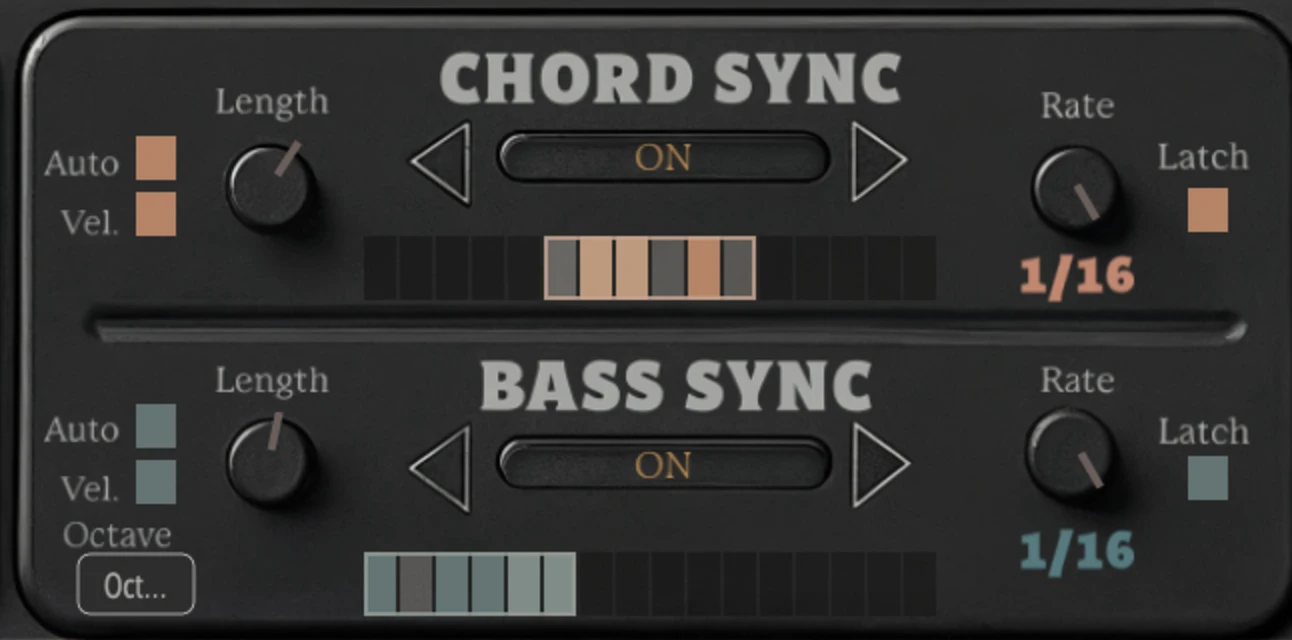
Create cross-rhythms with different loop lengths for chords and bass. Each rate remembers its own pattern and loop range.


01
presets


SYNC SEQUENCER
Auto Grace Notes
Drag and drop the Grace button onto individual Chord Grid steps to create short approach notes that lead into your chords.

Grace
A white G marks each step where you add Grace.
Chord Grid


G
Marked and active
G
Marked and muted


Auto mode
Chord Chameleon recognizes the chord you play and chooses a Grace movement that fits its quality, inversion, and voicing. The movement can change as the pattern repeats.
One chord voice
C major · D → E
C
D
E
G
Approach (D)
Chord notes (C, E, G)
HARMONIC INTELLIGENCE
Auto recognizes major and minor triads, diminished, augmented and suspended chords, sevenths, extensions, and many altered harmonies.
It selects approaches that emphasize notes already in your chord.
For more control, use Advanced Grace Note Movements to assign a fixed approach to any marked step.


More in the plug-in
Launch scenes from your MIDI controller to apply custom rhythmic arrangements without stopping playback.
Scene launching
Performance Scenes
Build up to eight scenes, each with its own Chord Sync and Bass Sync patterns, and launch them while you play.
1
2
3
4
5
6
7
8


Follow actions
Follow launches the next scene, or one you choose, after a set number of bars. Hold pauses it while the current pattern keeps playing.

CONTEXT-AWARE BASS & chords
No fixed keyboard split required.
Chord Chameleon identifies bass and chords in the context of your playing rather than requiring a dedicated bass and chord zone. Keep bass and chords independent as you move around the keyboard.
Chord Label
Chord names at a glance.
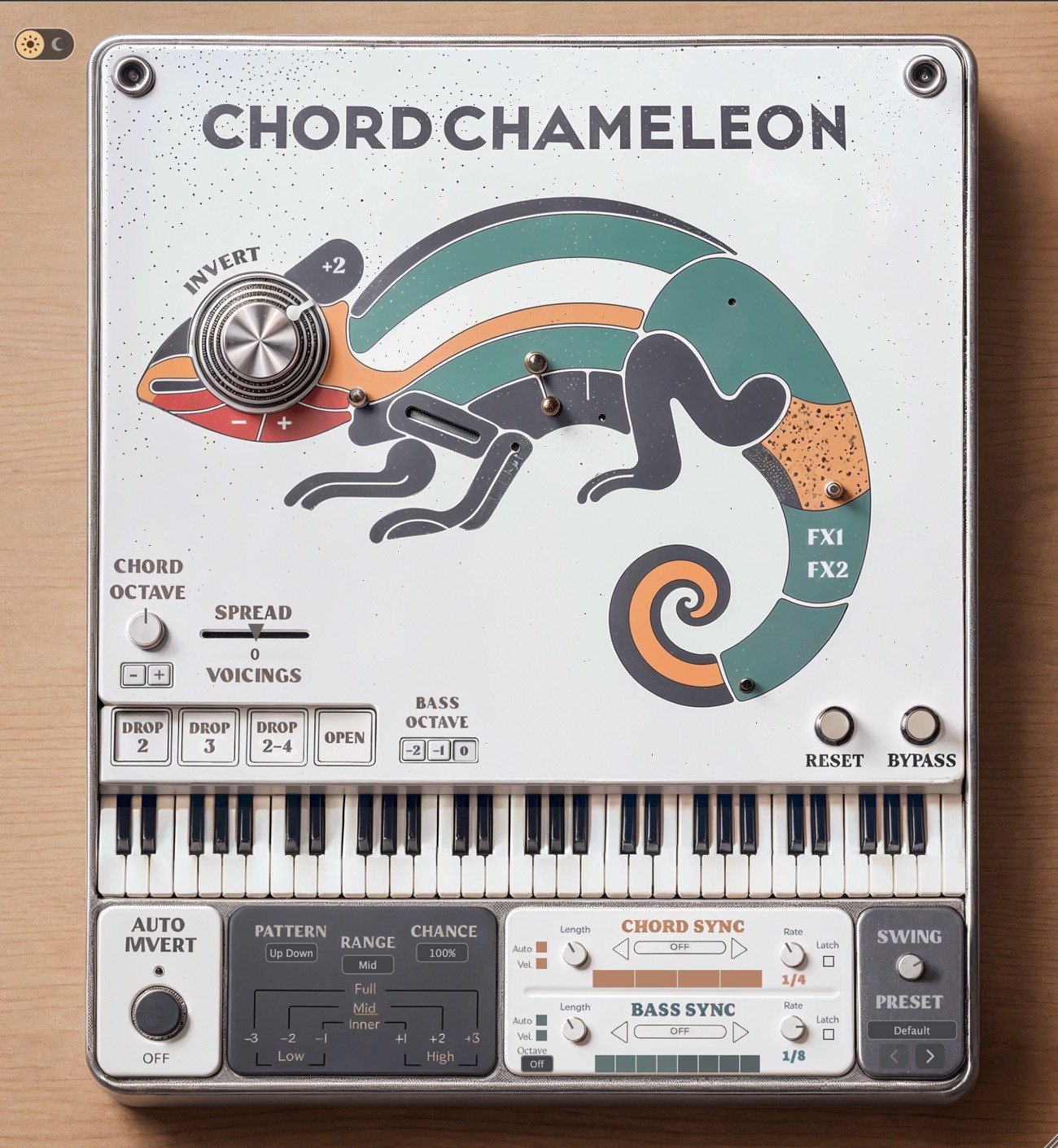
As you play, the plug-in identifies your chords and displays their names directly on the chameleon’s back.