

FROM THE PLUG-IN
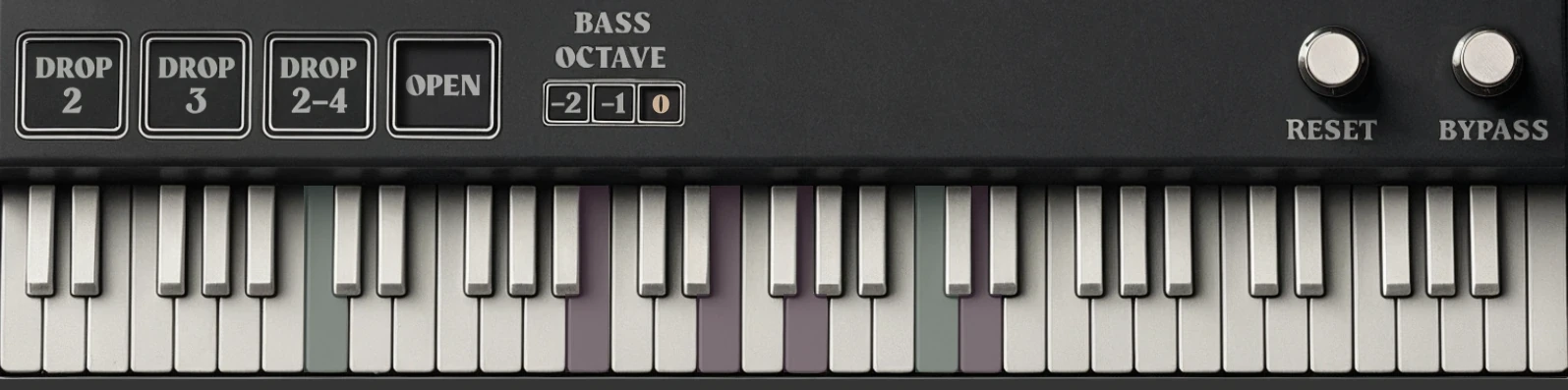
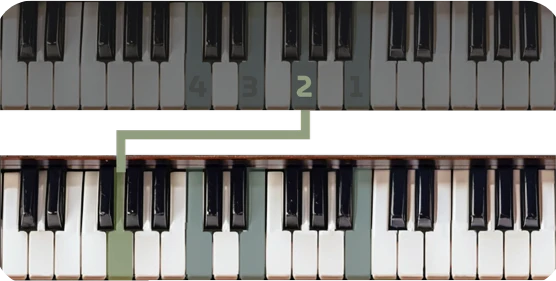
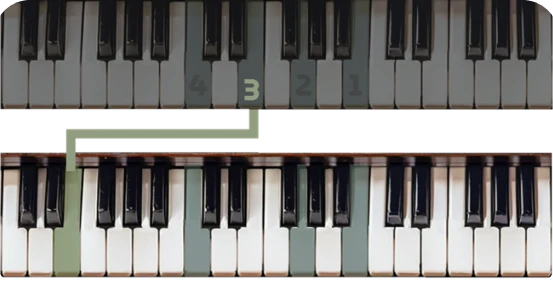
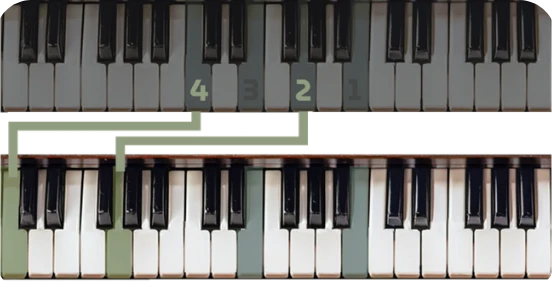

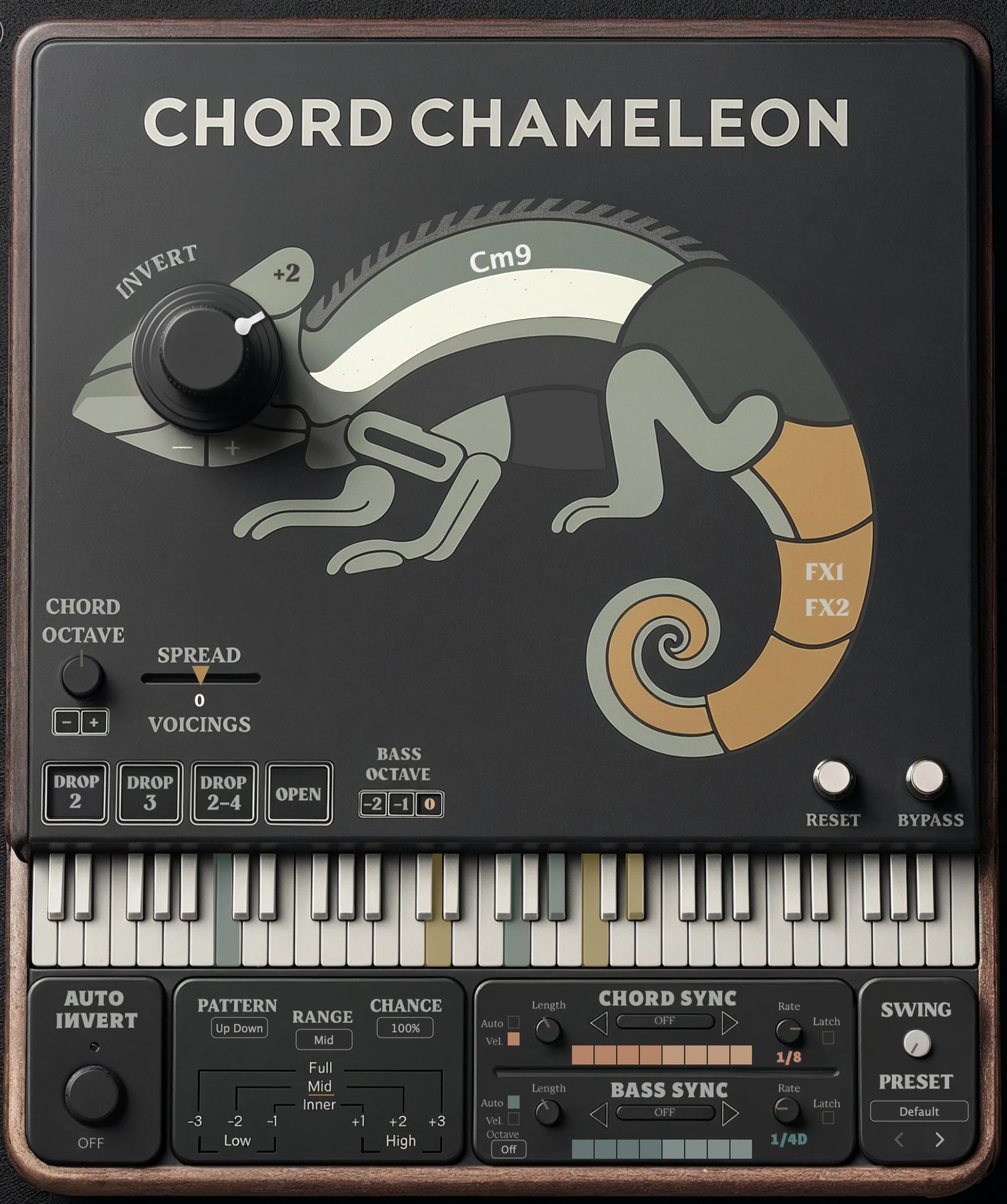
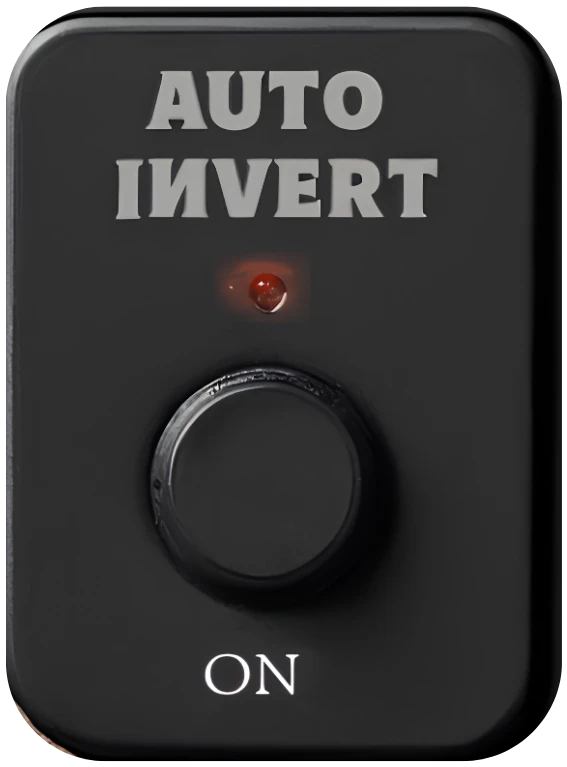
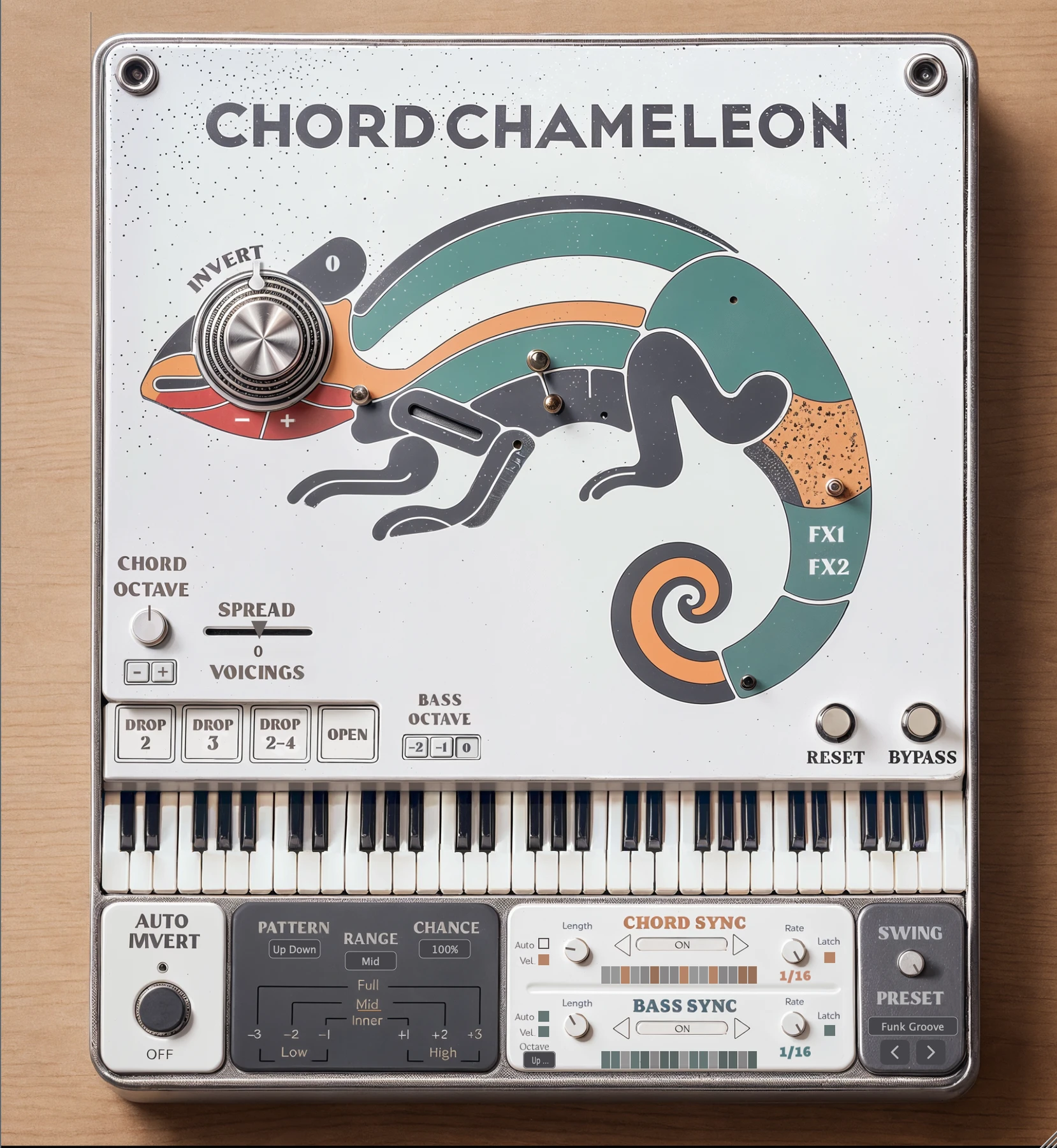
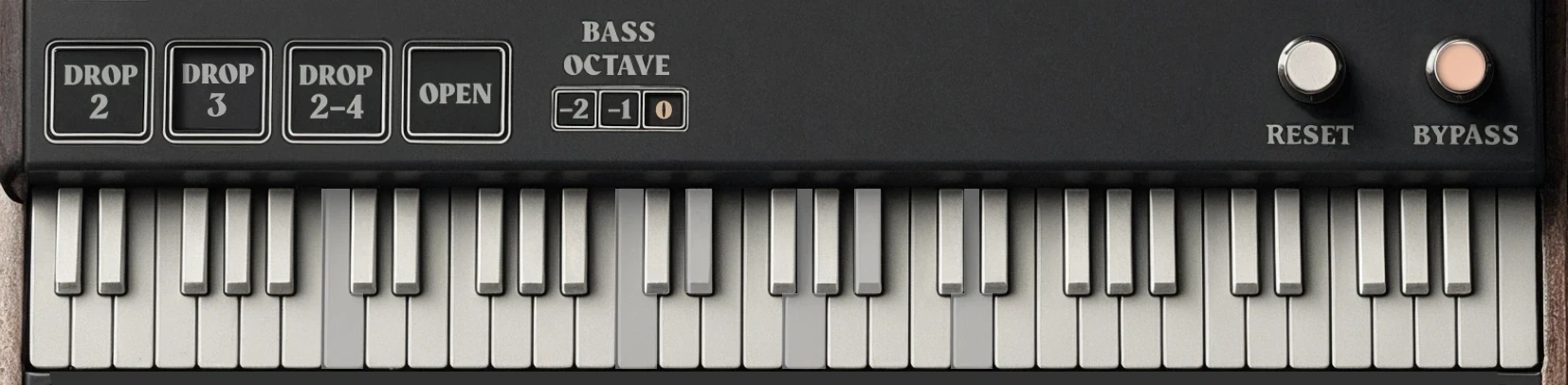
Explore inversions & voicings. Turn the eye or select a voicing to see the result below. Bass Octave starts one octave lower.
This silent preview shows each change immediately.
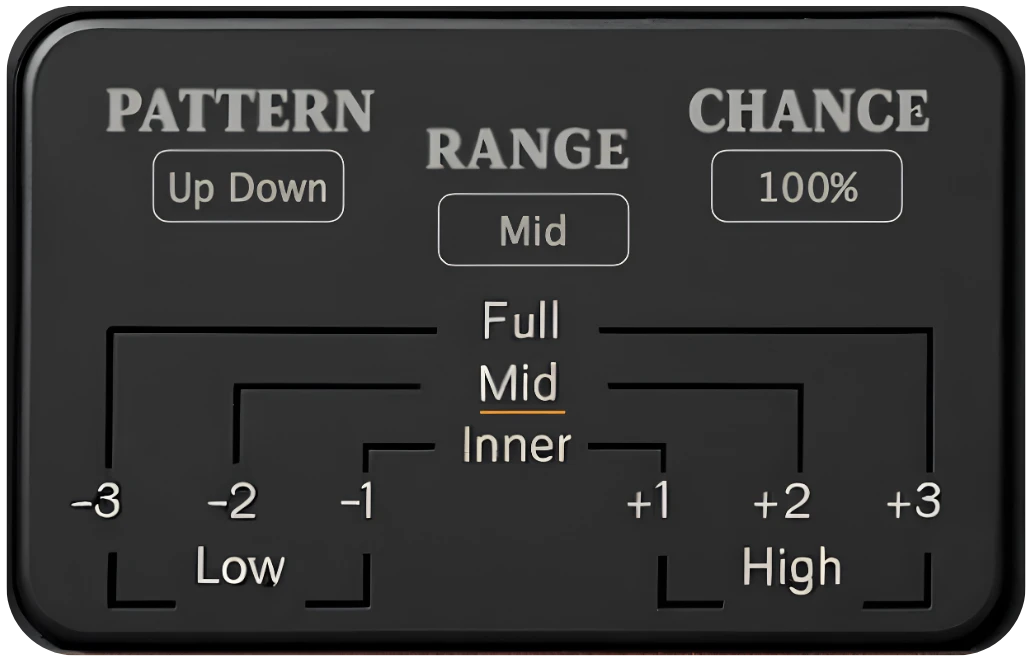
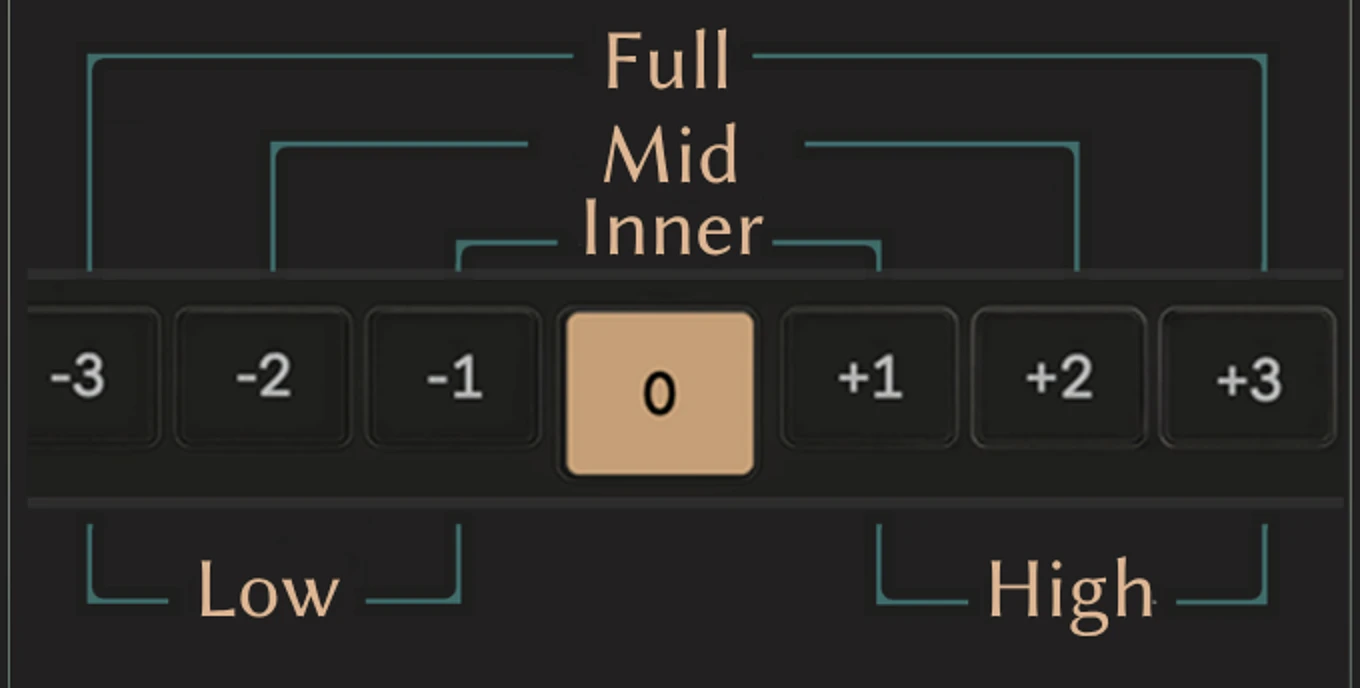
Range, in inversion settings
-3
-2
-1
0
+1
+2
+3
Full
-3 and +3
Mid
-2 and +2
Inner
-1 and +1
High
+1 and +3
Low
-3 and -1
Each Range cycles Auto Invert between the settings shown.
1
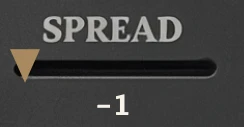
Spread Voicings
Adjusts chord spacing
-1=clusters chord
0=default (no spread)
+1=widens chord
FROM THE PLUG-IN
1
2
3
4
5
6
7
4
Pitch Effects
FX1 (Funk Stab): Press while holding notes for a quick, rhythmic pitch-bend stab
FX2 (Lofi Scoop): Turn on for upward pitch scoops.
1 · SPREAD VOICINGS
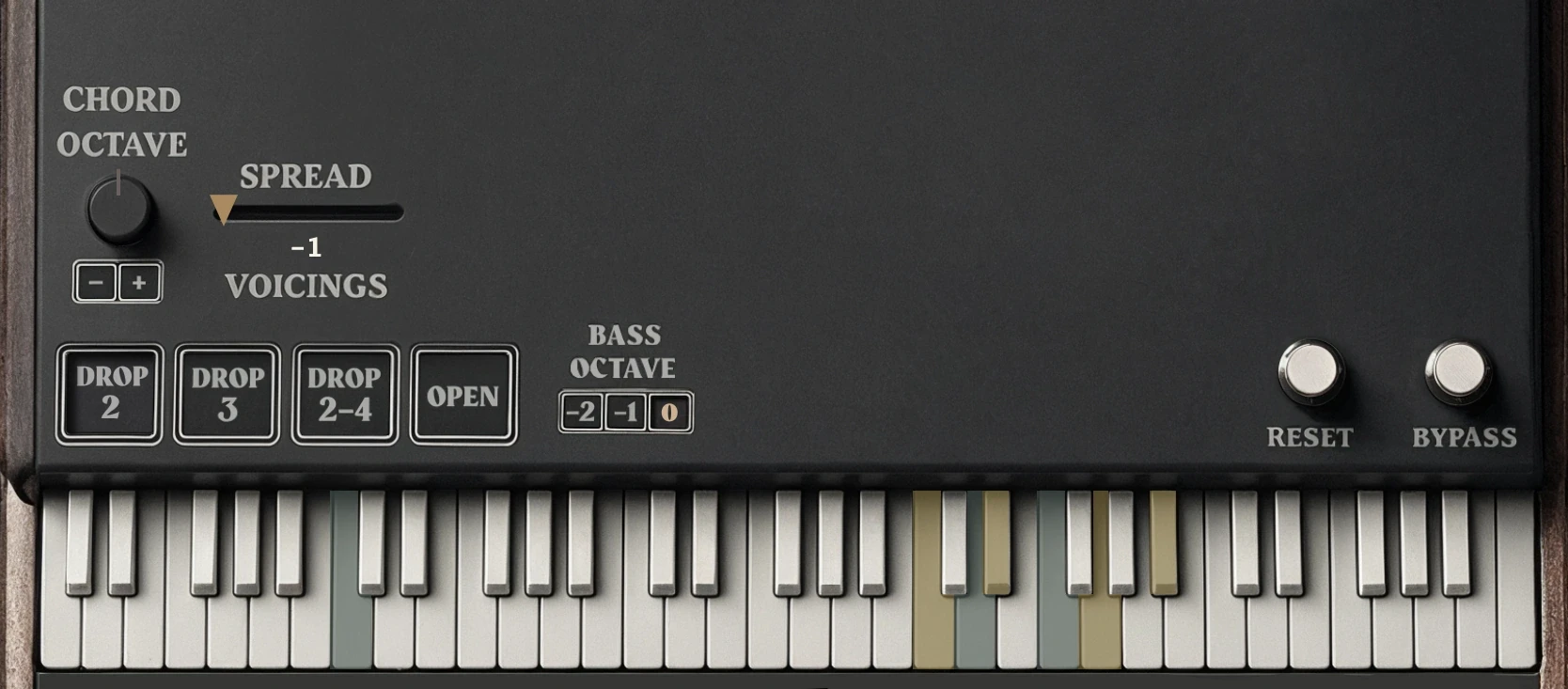
6 · BYPASS


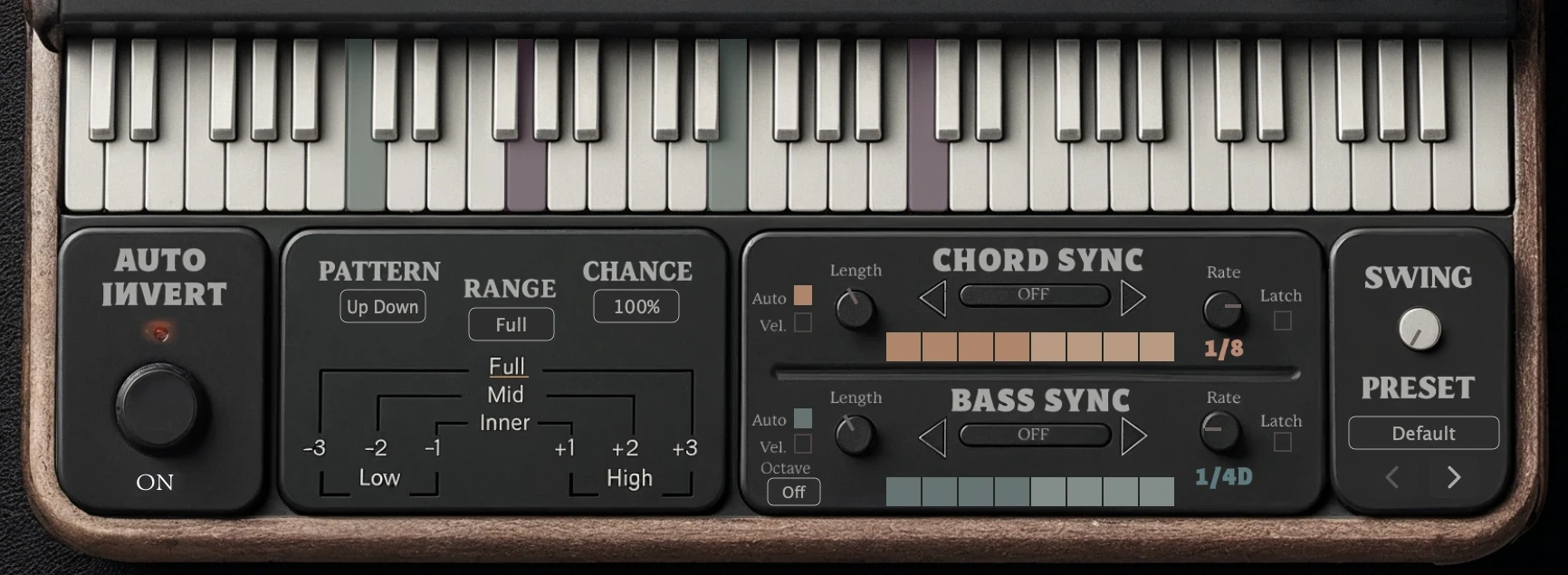
Use the View toggle directly below the Appearance toggle to switch between Full and Compact views. Compact view keeps the same controls in a shorter interface.
Chord Chameleon opens in Full view by default.
FULL & COMPACT VIEWS

FULL · DEFAULT

THE VIEW TOGGLE

COMPACT